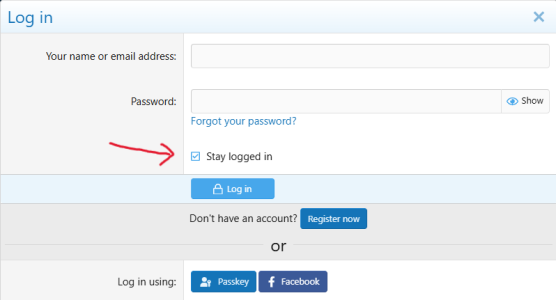
Firefox. The Stay Logged In auto checks.
I have my settings to delete cookies when the browser is closed, so I can either keep a browser open and just come back to this site and be logged in or close all browser pages and have to log back in. Those are my preferences and they work as expected.
LongJohn, you need to describe the operation and concerns so this can be addressed.
It is normally a function performed by Cookies. This means that your computer gets a little file that stays in your records. It tells the site page that you have logged in before and identifies you when you open the site. This is not happening now, but did in the past.
It can be the settings in your browser, or an update to the browser. If you switched browsers the new browser settings can be different.
So, what browser are you using? Have you changed it or your settings recently? Is the lack of auto log in only for this site?
Just like diagnosing a car issue, you need to pinpoint the concern to diagnose properly.





 From now through March 15th, you’ll get an extra 30% OFF this new design



 cookies